12 February 2014

Nokia to unveil low-cost Android phone

 Nokia will unveil a low-cost smartphone running a version of Google Inc's Android operating system, despite the company's close partnership with Microsoft Corp and its competing Windows system, according to a report in the Wall Street Journal.

The handset division of the Finnish company, which is in the final stages of being acquired by Microsoft, will show off the new phone at the Mobile World Congress in Barcelona later this month, the report said on Monday, citing unidentified sources who were familiar with the matter.

Nokia and Microsoft declined to comment.

The new Android phone will be aimed at emerging markets and will not feature some of Google's higher-end, custom Android features.


From here...

15 January 2014

[Android App] GPS Logger


Description;
A lightweight, battery efficient GPS Logger. The purpose of this app is to log your GPS coordinates at specified intervals to a file on your SD card. This app runs in the background so that you can on a long walk, hike, flight ride or photo session or even go buy some milk and have this running as long as possible. Once you're back at your computer, you can then use the files to geotag photos, upload to travel sites, view in Google Earth and so on.
Url -  https://play.google.com/store/apps/details?id=com.mendhak.gpslogger


As of now, I'm using it for second day today based from my blog entry - http://totiegraphy.blogspot.com/2014/01/14january2014-bike-commute.html

Hopefully I'll be satisfied using it same with the CycleDoid app I'm using for quite some time already. ;-)

21 November 2013

19 November 2013

Android 4.4 KitKat Comes to Nexus 7 and 10


The Nexus 7 and Nexus 10 tablets have been updated to Android 4.4 KitKat in a software update that began rolling out this week.

The update is hitting WiFi versions of the 2012 and 2013 Nexus 7 and the Nexus 10, with cellular models of the Nexus 7 receiving the update shortly. The Nexus 4 will also get an update to Android 4.4 in the near future.

14 November 2013

[Android App] Mercury Browser


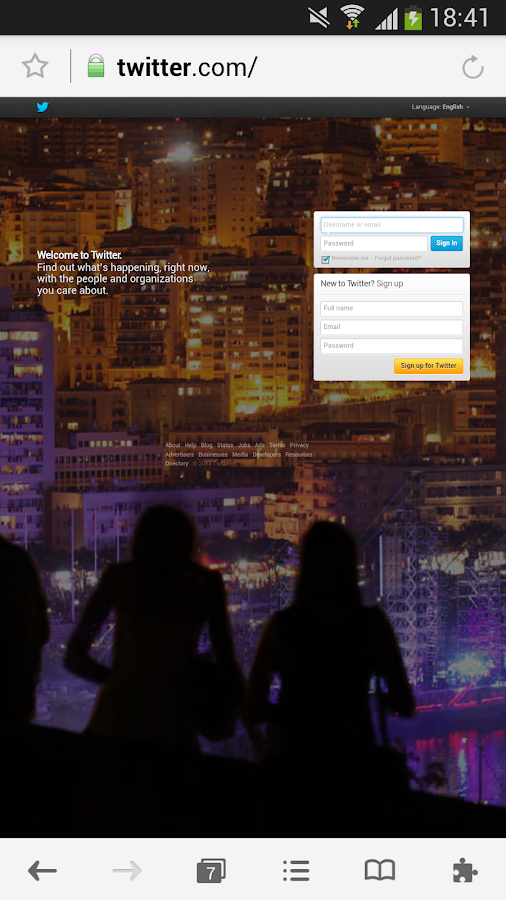
As one of the most popular iOS browser, Mercury was expected for an Android version for a long time. We now roll out Mercury for Android to you. As excellent as Mercury iOS browser, Mercury for Android is fast and elegant, with awesome features to let you enjoy surfing the Internet.

Fast browsing---Mercury let you browse and search webpages smoothly within a blink. You can personalize your Speed Dial and go to pages directly.

Powerful functions---Plugins, User Agent, Gesture Control, Auto Saved forms help you to enjoy browsing not only more convenient but also much easier.

Safeguard---To protect your privacy, Mercury for Android has many security functions. Private mode, Login passcode, history & cookies cleaner keep other’s from your privacy and make sure you stay safe.

Features:

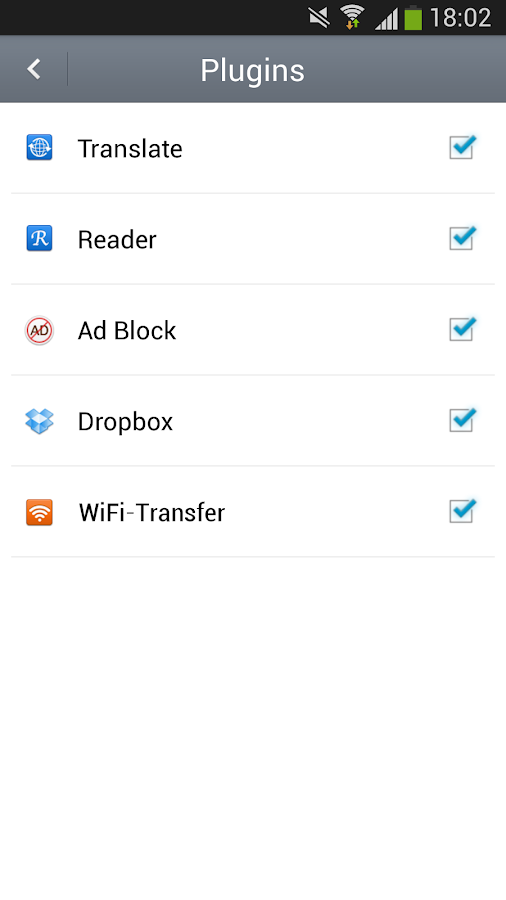
★Plugins - Useful Reader, Translate, Dropbox, Ad block help you surfing the internet with comfort.
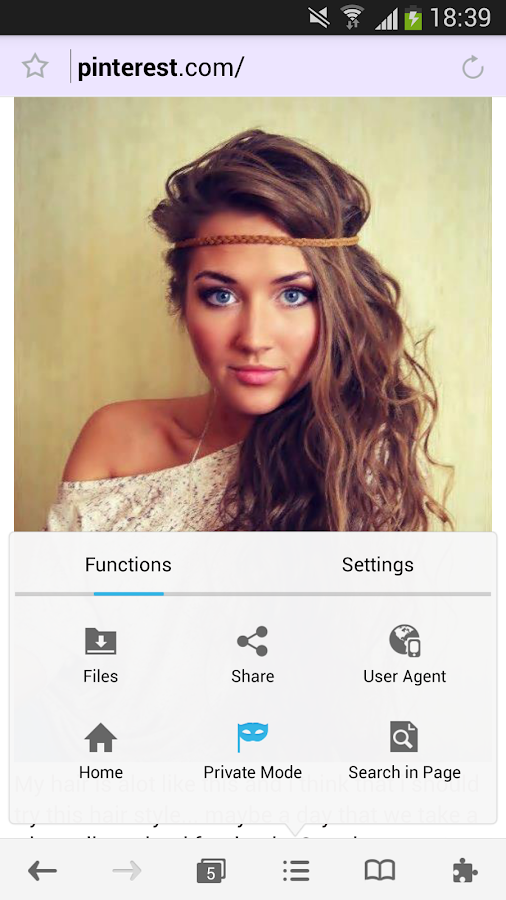
★User Agent - By changing User Agent, Mercury browser can spoof website’s severs to provide you desktop-style webpages.
★Private Mode - Enable Private Mode will stop Mercury from recording your browsing history and cookies.
★One-tap history and cookies clear – Prevent you from being spied personal privacy.
★Login Passcode - Keep others from using your Mercury Browser.
★Large window for tab preview - Let you have a clear view of open tabs.
★12 search engines - You can choose a powerful search engine as you like.
★Search in Page - Search in Page will highlight words you are searching in current page.
★Gesture control – Make order by moving fingers on the screen save many switching troubles.
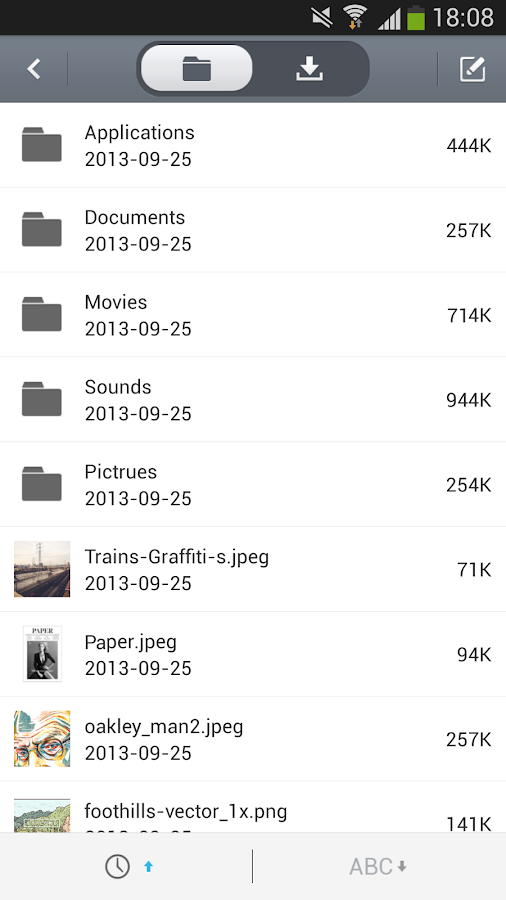
★Various share methods - SMS, Mail, Blue tooth, SNS and cloud storage are supported. You can share files with your friends without limitation.
★Import/Export bookmarks - You can import/export html bookmark files to sync bookmarks between devices.
★Brightness Control - You can manually change brightness or leave this matter to Mercury’s smart Auto-Brightness.
★Day/Night mode - Protect your eyes by switching to specific mode in different environment.
★Many other fabulous functions wait for your try!

02 August 2013

Nokia Lumia 1020


The Nokia Lumia 1020 is the only smartphone with the breakthrough combination of a 41-megapixel camera and Optical Image Stabilization, so you can capture more of the moment. Shoot super sharp images with Nokia Pro Camera. Zoom in close on details and reframe them into new images. Adjust white balance, shutter speed, and focus like a pro. Capture stunning HD video and distortion-free sound with Nokia Rich Recording. No other smartphone comes close.


More details here.

20 June 2013

Xperia® Z


The Sony US team is extremely excited to announce our stunningly designed, water-resistant*, LTE smartphone - the Xperia Z. Sony is teaming up with T-Mobile to offer the Xperia Z on its Simple Choice Plan with no annual service contract plus unlimited talk, text and Web on a screaming fast, nationwide 4G and 4G LTE network.

Source link... 

30 January 2013

[Android News] NFC tags


What Are NFC Tags and How Do You Use Them?

Near Field Communication, or NFC, has been mentioned a few times here on Android.Appstorm, including a few articles by yours truly. The topic really fascinates and excites me because of the endless possibilities it affords us. About a year ago I wrote an article entitled Near Field Communication and the Future of Mobile, where I outlined what’s in store for NFC-enabled cell phones, of which Android has a few.

However, NFC isn’t only for phones. There are devices called NFC tags, and they can really shake up the way we do things.

As a quick refresher, NFC is the ability for 2 devices to send data to each other simply by touching. Right now, the word device implies a cell phone or tablet. You may have seen this commercial by Samsung where the data transfer is demonstrated in a real life situation.

Sample NFC Tags

Source:  AppStorm

31 July 2012

[Android App] CycleDroid


CycleDroid allows you to track your movement using GPS and display parameters such as: current speed, average speed, maximum speed, total time, total distance and current altitude. Tracking can be easily stopped, if needed. Application allows for creating trips and assigning collecting data to a specified trip.

CycleDroid provides also a functionality of drawing graphs: altitude/distance, speed/distance, speed/time. You can easily zoom in a graph using multi-touch. Application allows also to save particular graph or its part as an image file.


26 July 2012

Introducing The Xperia™ NXT Series


The Xperia™ NXT series combines an iconic design with an illuminating transparent element and Sony smartphone technology. The NXT Series features a Reality Display powered by Mobile BRAVIA® Engine for razor-sharp screen clarity and vibrant, truer to life colors. Creating pictures is a snap with the fast capture camera that goes from sleep to snap in just over a second, and shot-to-shot in just under a second.

From here...

27 February 2012

GLOBE Free Facebook


Access Facebook for free on your mobile phone from February 15 to March 14, 2012!

Whether it’s a witty one-liner, a picture with your favorite celebrity or the changing your status from “single” to “in a relationship,” you can now share anything while on the go. No more waiting to get to the nearest internet cafe or for an available Wi-Fi signal to post, like, comment and share on Facebook!

Try it now for free! Just dial *143# and press CALL.*

Info from here.

21 February 2012

[Android ROM] Ginger Fast v2 with Bravia and Xloud


Ginger Fast is based on Gingerxperiav22. It's fast and stable with good battery time, flashplayer and multi-touch, overclock.

From this thread.

Windows 3.1/95 on X8


True or not?

Topic discussion here...

15 February 2012

[Android App] Blacklist by Antek


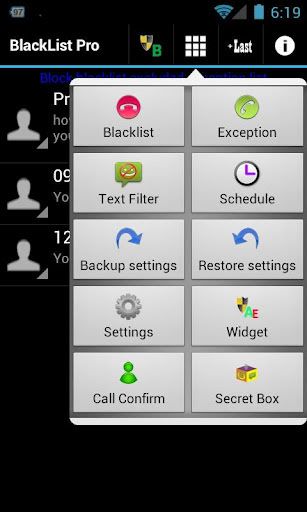
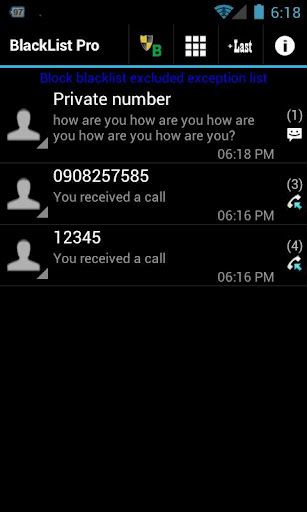
A powerful call and SMS filters on Android phone
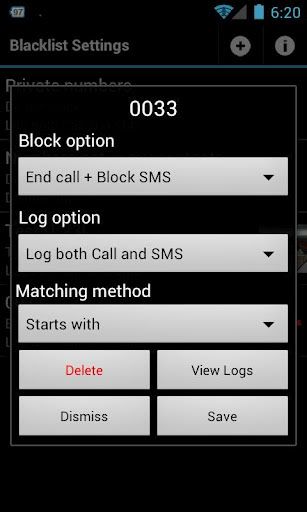
This is an advanced call/sms filter and blocker tools. Create a black list and stay safe with your Android phone. This is a simple app, but rich and powerful features to manage unwanted call/text message from anyone.

This app works with per caller ID (incoming number) basic. Caller Ids can be organized into blacklist, or exception list and configured blocking options. Here are a list of features:


At Android Market.


And if by the way you realized that you really need the lacking features that this "FREE" version gives, then you may opt for the BlakList Pro version.

27 January 2012

[Android ROM] W8/X8 - 2.1.1.Clean.0.0 V6


As the title says, it's already in Version 6.

Features;

- Touch-friendly Sony Ericsson framework
- All unnecessary apps and services removed
- Optimum stability by the absence of foreign modules
- Focus on maximising internal memory, no need for APP2SD or Link2SD
- Easy to install for everyone
- No TouchScreen bug, No lag, Fully working camera and video recording

This ROM is built by pfonck from XDA-Developers.

I've been using this for quite sometime since Version 2.

Do give it a try and hopefully you feel satisfied just like me.

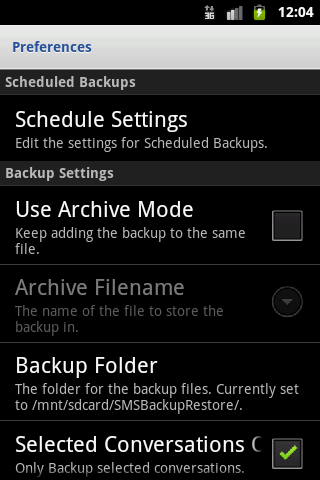
[Android App] SMS Backup & Restore


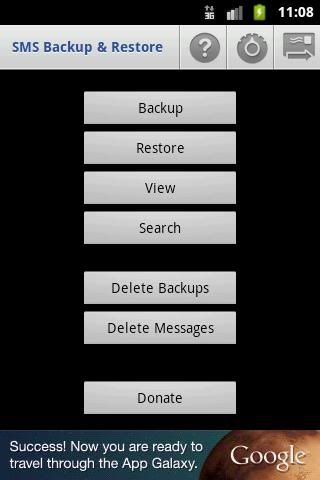
A simple App to Backup and Restore SMS Messages.

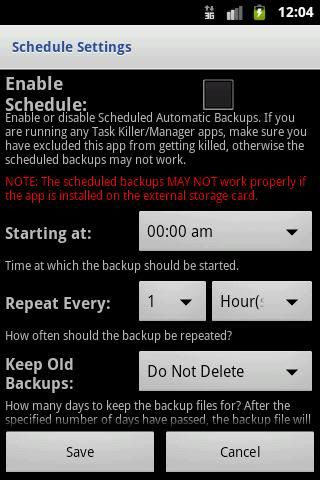
* Automatic Scheduled Backups.
* View Backup Contents on the phone.
* Option to backup selected conversations only.
* Backups are created in XML Format on the SD Card. The XML can then be converted to other formats and can also be viewed on a computer. Check the FAQs for all the information.
* Send Backup file by Email.
* Internet permission for Ads.
* MMS not supported yet.
* Lots more info at http://android.riteshsahu.com/apps/sms-backup-restore
* FAQs at http://bit.ly/d9t7Jk


20 January 2012

[Android App] MapDroyd


Of course, today there are many Android application featuring street maps. Most of them are based on Google Maps, which means you've to enable your device's network connection through a GPRS or Wifi connection.

But can you really afford international roaming being online for hours? And mostly probably you need maps at your fingertips when you're abroad, right? Once you have downloaded your MapDroyd application and your favorite maps form our map server onto your local storage (SD card) you can use them without being online. This is extremely helpful when you travel outside your country and mobile data connections become very expensive.

Simply carry your individual maps offline in your pocket, always at your fingertips. Other than similar offline map applications (like offmaps, bigplanet, etc.) MapDryod does not store cached maps images or tiles! Our MicroMap format represents a fully navigable vector-based street map.

Url: http://www.mapdroyd.com/

[Android App] Xperia Reboot Options


It's been a while since I made my last blog entry here...

Anyways, still as a Sony Ericsson W8 user, here's my latest offering. This is a very neat program I saw a couple of days ago.

App name: as the blog title says, Xperia Reboot Options

Function: Reboot into Recovery App/Widget

LinkXDA-Developers Forum Site

Credits goes to DooMLoRD & MrHassell

31 August 2011

GingerDX Updates!!!


In here...

Now it's v022...


v022 | 16-01-2012

      • January 16 v022. Status bar battery indicator.
        • Latest nightly CM7 Hero. Buildbot is not working now.
        • "Status bar" battery indicator (in Settings/CyanogenMod settings/Interface/Status bar tweaks/Battery status style). Thanks to Spitemare.
        • Trebuchet: A bit compatibility. Doesn't work yet.
  
Forgot to update this for quite sometime... And now it's;
 
v017 | 02-10-2011
      • October 02 v017. Fixes.
        • Fixed WiFi with stock kernel. I reverted back to stock kernel to check and fix. It works with/without LinuxDX
        • Fixed DSP Manager FCs
        • Restored boot sound
        • Restored Sense ringtone. It was lost when I accidentally deleted.


v013 | 05-09-2011
      • September 5 v013. Fixes & features in progress on "Sensify".
        • Indonesian translation for GingerDX Settings. Thanks howardmatthew168
        • Fixed conflict between "Loop Ringtone" and "Sense 3 lockscreen" options
        • Fixed some translation bugs
        • Smart dialer. Thanks ereslibre!
        • Sense Livewallpaper
        • Sense ringtone
        • Sense boot sound. You don't want this? Delete /system/media/android_audio.mp3
        • Sleep button on Power Control widget


v012 | 31-08-2011
      • August 31 v012. Another small improvement.
        • More app compatibility for Camera. All apps should work.
        • Animate the ring into middle screen when finish unlocking
        • Removed Maps ownhere and Streetview to test battery drain
        • Hungarian translation for GingerDX Settings. Thanks levus95
        • German translation for GingerDX Settings. Thanks B.Jay
        • Polish translation for GingerDX Settings. Thanks eagleeyetom
        • Greek translation for GingerDX Settings. Thanks jimdem
        • Croatian translation for GingerDX Settings. Thanks Dare-Devil Inside
        • Italian translation for GingerDX Settings. Thanks marmolu

v011 | 27-08-2011
    • August 27 v011. Small improvement.
      • Nightly CM7 Hero 164+ (CM 7.1.0 pre)
      • Some internal tweaks
      • Support 24h format for Sense lockscreen
      • ThemeChooser sets wallpaper now. Thanks aldee_s.
      • Temporarily removed DSPManager and Email to check battery drain
      • Russian translation for GingerDX Settings. Thanks AChep
      • Portuguese translation for GingerDX Settings. Thanks LuisDias.
      • French translation for GingerDX Settings. Thanks Troufiniou.
      • Vietnamese translation for GingerDX Settings.

26 August 2011

xRecovery Installation


I almost forgot that prior on using custom ROM, one must install first, xRecovery. As a W8 user, and knowingly that it's fully hardware identical to X8, there's a much more easier procedure that I followed here.

I said that it's much easier because you only need to install the APK file on that link. Unlike before that prior on copying the needed Xrecovery files, you first need to install Root Explorer followed by Terminal Emulator so you can move the said xRecovery files to /system/bin folder and then allowing permission via the said Terminal Emulator. Honestly, I failed installing xRecovery on this latter procedure. That's why I searched and searched and finally able to find what I can say is the much easier procedure. :)

But basically on the above procedure, I think one is lacking...

1) Phone must be rooted
2) Busybox from the market must be installed and activated by running the program and choosing what version of Busybox you want to install. (for me I chose the 2nd version, 1.17.x something)

I think that's exactly what I did. And I successfully did it!